Connections
Where does Wi-Fi or network access become a problem? Note the locations, devices and times when the issue is most noticeable.
 SilexaWest Tech SolutionsDiscuss your technology
Silexa West Tech Solutions · Vaughan
Discuss business IT, networks and workplace technology with Silexa West in Vaughan. Start with what you need your technology to do.
Discuss your technology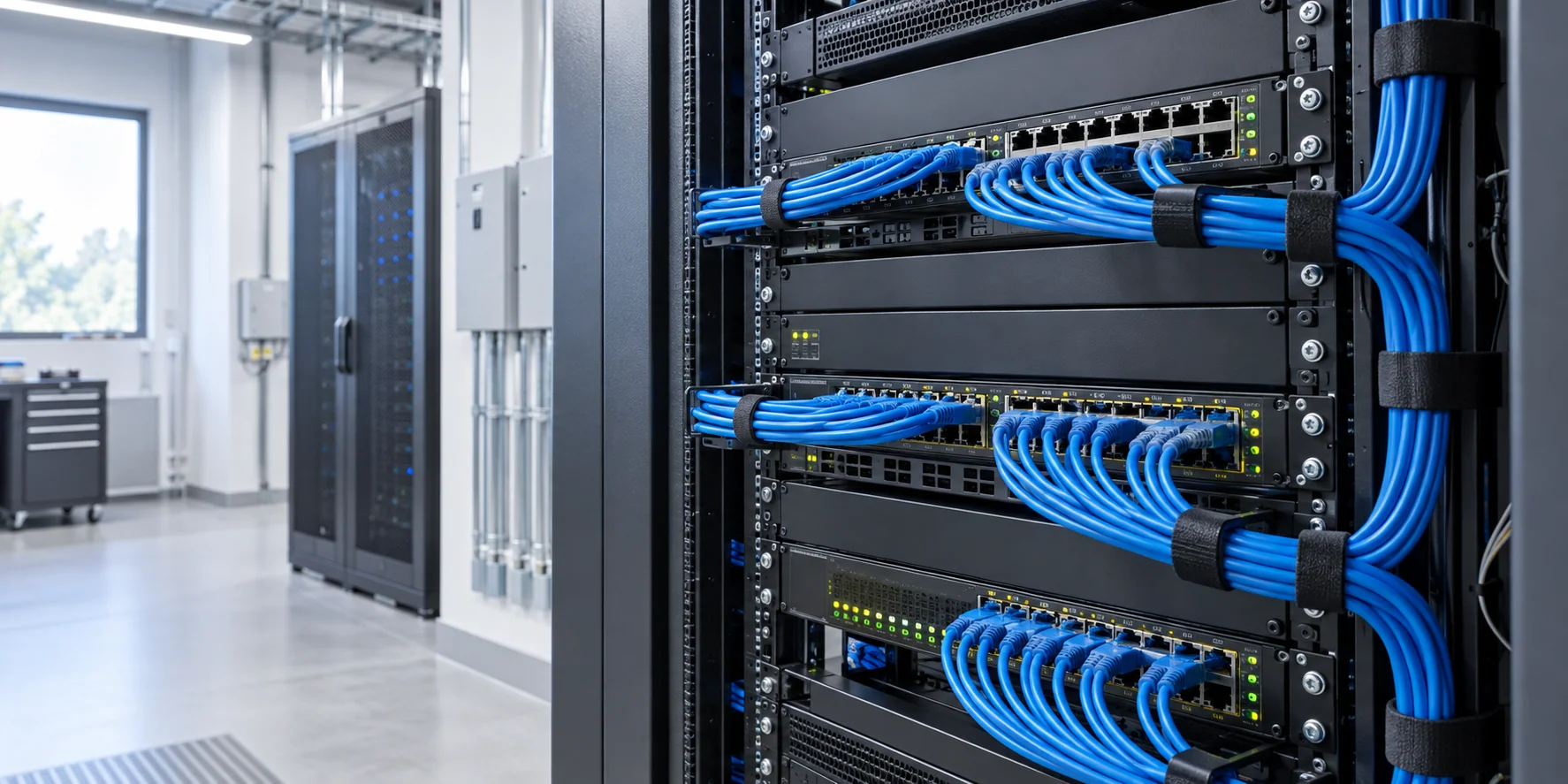
People first. Technology in context.
Silexa West Tech Solutions begins with the people behind the devices. Understanding how a business works is the first step in discussing the systems, connections and support it needs.
About Silexa WestStart with the working day
A useful technology brief describes the effect on people, not just a list of devices. Start with the part of the working day that feels unreliable, slow or unnecessarily complicated.
Where does Wi-Fi or network access become a problem? Note the locations, devices and times when the issue is most noticeable.
Which routine activities are being interrupted? Describe the systems involved and the people affected, without sharing passwords or sensitive records.
A move, new equipment or a different way of working can change your requirements. Include what is changing and your preferred timescale.
Your business location, a short description of the current setup and the outcome you need are enough to begin. Avoid including login details, access codes or confidential data in the enquiry form.
A connected workplace
Silexa West Tech Solutions in Vaughan brings business IT, office networking, workplace technology and technology planning into the same conversation. A useful starting point is the work your team needs to complete and the systems that support it.
Describe the device, application and task involved when an issue occurs. An error affecting one workstation may need a different scope from a problem shared by several users. Note when it began, whether it can be repeated and any recent changes.
Connectivity involves the service coming into the office, network equipment and the devices using it. Explain where the problem appears, whether wired and wireless users are affected and which areas need reliable access.
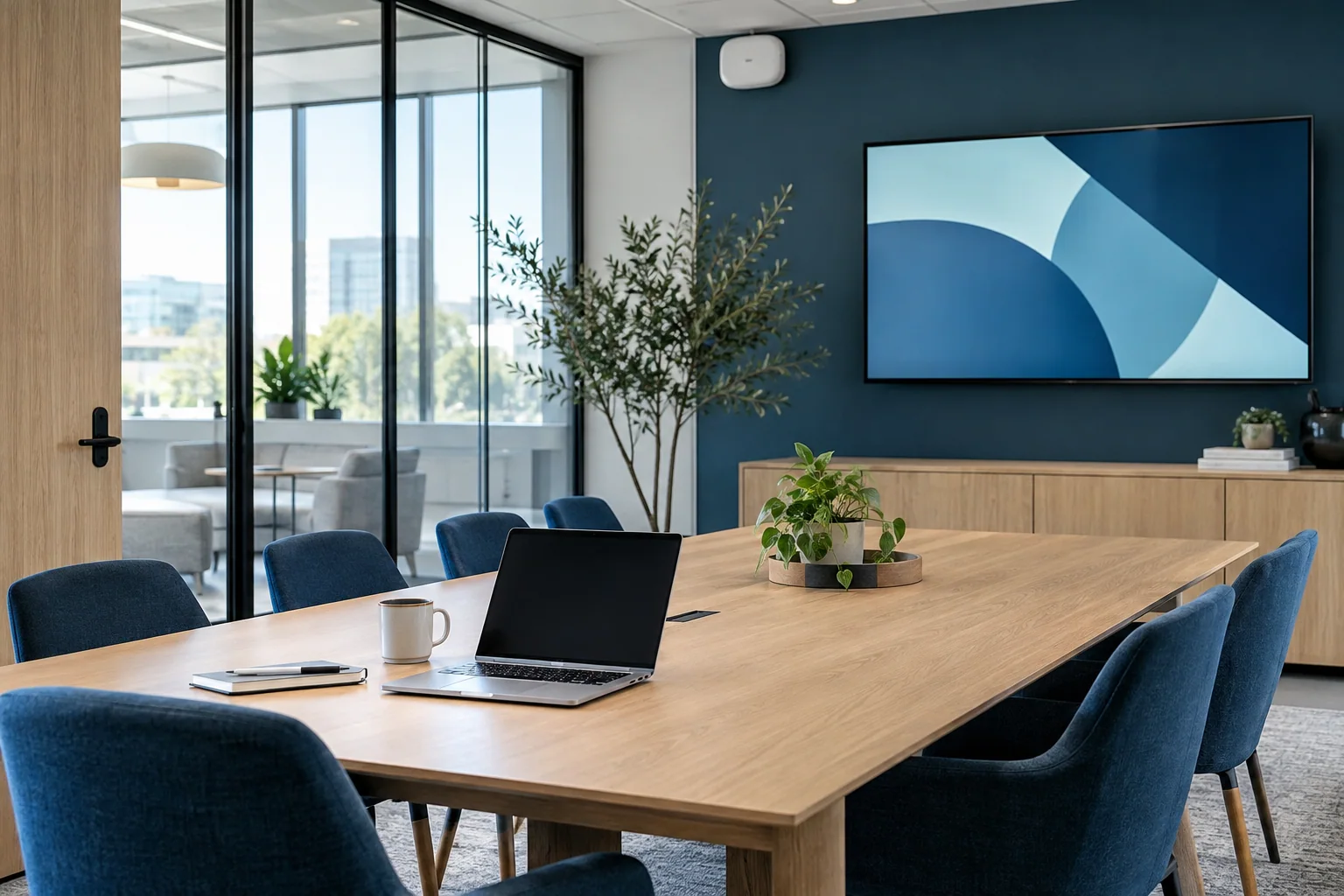
Meeting-room equipment, printers, displays and shared resources should relate to how the team works. Describe who uses the equipment, the systems it must connect to and the practical setup in the room.
A new office, additional users or replacement equipment can affect several systems at once. Identify the current setup, the desired result and the timing of the change. Separate essential business needs from optional additions.
Explain what is interrupted and who is affected. If an alternative way of working is available, mention it. This context helps define the support discussion without requiring you to diagnose the technical cause. Keep passwords, recovery codes and confidential business data out of the initial contact form.
Our location
203, 7131 Bathurst Street, Vaughan, Ontario L4J 2J7
Get directionsPlease call ahead to arrange a visit. Map provided by Google Maps.